How to pick the most secure browser
The internet is a Wild West of sorts, as one could never know what kind of threat they’ll come across. This is why for businesses,

The internet is a Wild West of sorts, as one could never know what kind of threat they’ll come across. This is why for businesses,

Constantly using passwords on a smartphone can be a pain, not to mention a high security risk. Luckily, popular mobile browsers like Chrome and Firefox

Facebook, Instagram, Gmail, Google Maps, and YouTube are applications that most smartphone owners know by heart. These cross-platform apps are so popular that they tend
For many business users today, PDFs are indispensable to the day-to-day grind — contracts, eBooks, and marketing collateral in PDF format are just of the

Google Chrome is fast, clean, and versatile. It delivers a great browsing experience to users, so it’s no surprise that it has the widest user
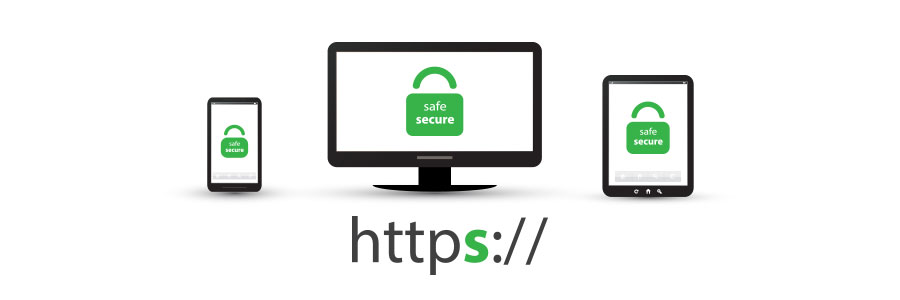
Many internet users still do not understand what the padlock icon in their web browser’s address bar is for. It represents HTTPS, a security feature

You probably go to great lengths to keep yourself safe, whether at home or in public. But what happens when you get online? Learn more
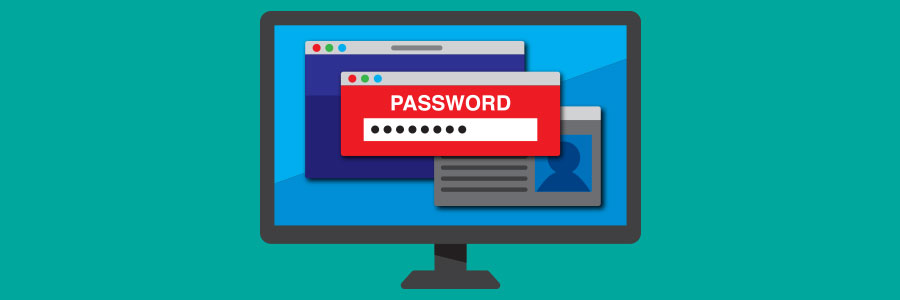
Advertisements and suggestions based on our internet browsing habits are sources of online tracking. However, autocomplete passwords are also another source of online tracking. This
As one of the fastest browsers in the market, Google Chrome is the perfect match for quick-paced internet users of the 21st century. But like

The battle of the web browsers has raged on for years. While the classic rivalry between Netscape Navigator and Microsoft Internet Explorer has long passed,
Well over half of all surveyed internet users utilize Google’s Chrome web browser, and it’s not difficult to see why. The ability to customize your
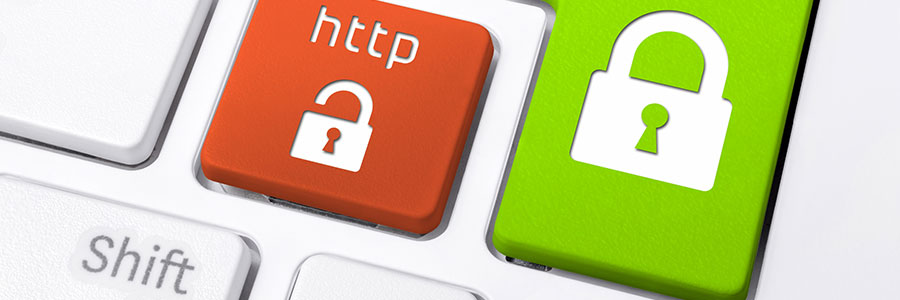
Google Chrome currently marks HTTPS-encrypted sites with a green lock icon and “Secure” sign. And starting in July, Chrome will mark all HTTP sites as