
Essential tips for securing your company’s mobile devices
Company mobile devices are essential tools for employees, but they can also be a security risk if not properly protected. Mobile devices can be easily

Company mobile devices are essential tools for employees, but they can also be a security risk if not properly protected. Mobile devices can be easily

If escalating IT costs are burning a hole in your organization’s budget, it’s time to explore a game-changing approach: thin and zero clients. By embracing
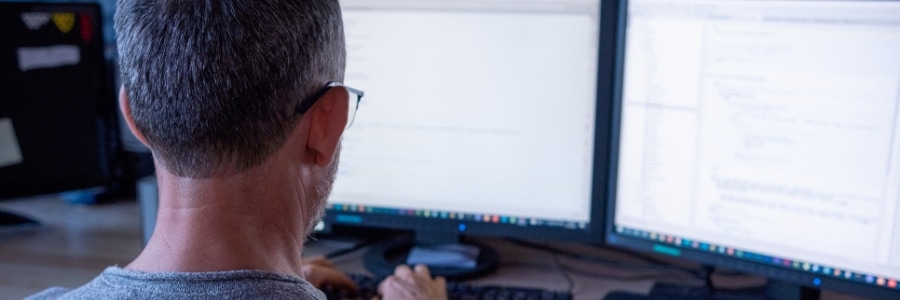
Are you tired of constantly juggling between different windows on your computer? Dual monitors can be the game-changer you need to overcome such challenges. By

From the layout and key mechanism to additional features and customization options, there are numerous factors to consider when selecting a computer keyboard to enhance

When it comes to replacing your company’s servers, you should review aspects of your existing server infrastructure and consider the implications of the upgrade. Answering

Most of us have experienced the frustration of dealing with network problems. These errors can appear on screen or linger in the background, causing interference

Do you need some help revving up your productivity on your PC? Whether you’re struggling with managing your schedule or just want to pump up

With time, pesky dust and dirt build up sneakily within your device and can lead to overheating or failure. Heed our expert advice and make

The rise of remote work and virtual communication has made it more important than ever to secure our devices against cyberthreats. Hackers are constantly finding
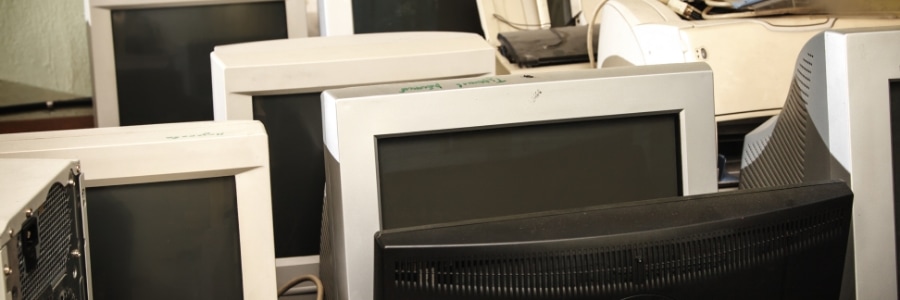
Has your computer been a little sluggish lately? Is it always crashing or freezing? If yes, you may be tempted to go out and buy
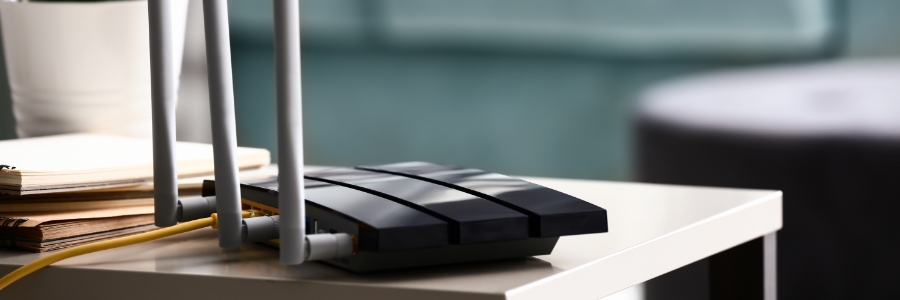
Now that more employees are working remotely, having a fast and reliable home Wi-Fi connection is more important than ever. You can achieve such throughout

Over time, dust and dirt can accumulate on your hardware, clog vents, or settle in crevices that can cause performance issues and overheating. Regularly cleaning